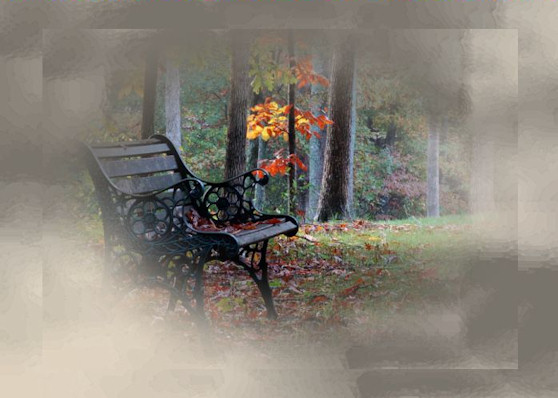
Stillness
|
| |
Material Material |  |
| Filtros Filters | Alf's Border FX Alf's Border FX |
| Artistiques |

Este tutorial fue hecho con el Psp X2, puede hacerlo con cualquier versión del Psp. This tutorial was done with the Psp X2, you can do with any version of the PSP. |
1. Abrir una imagen transparente de 700 x 500 pixeles. Open a transparent image of 700 x 500 pixels. |
2. 2. Selecciones/ Seleccionar todo. Selections / Select All. |
3. Abrir Tube _A Stroll in Harmony_Misted by Kathy_Kms* (imagen de fondo) Open Tube _A Stroll in Harmony_Misted by Kathy_Kms * (wallpaper) |
4. Copiar/ Pegar en la selección. Copy / Paste in the selection. |
5. Selecciones/ Anular selección Selections / Cancel selection |
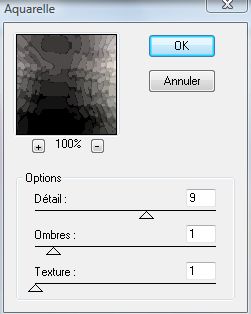
6. Efectos/ Plugins/ Artistiques/ Acuarella Effects / Plugins / Artistiques / Acuarella |
|
7. Capas/ Duplicar. Layers / Duplicate. |
8. Imagen/ Cambiar tamaño 85% Picture / Resize 85% |
9. Capas/ Nueva capa de trama. Layers / New layer of fabric. |
10. Herramientas/ Herramienta bote de pintura, color #cac1b3 Tools / Tool boat paint, color # cac1b3 |
| 11. Opacidad 60%. 60% opacity. |
12. Abrir Tube chrismist_Misc_fcb16. Open Tube chrismist_Misc_fcb16. |
13. Copiar/ Pegar como nueva capa Copy / Paste as a new layer |
|
14. Capas/ Duplicar. Layers / Duplicate. |
15. Imagen/ Cambiar tamaño 85%. Picture / Resize 85%. Colocar. Placing. |
|
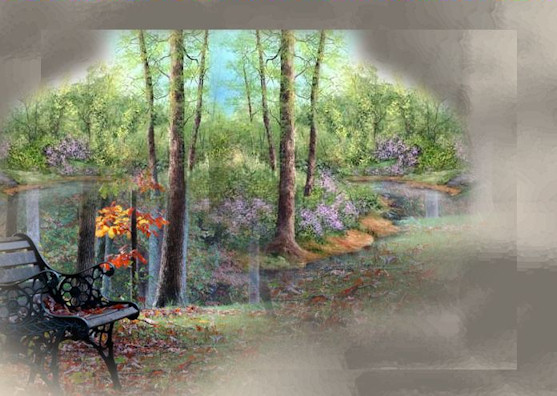
16. Abrir Tube pastel landscape. Open Tube pastel landscape. Copiar/ Pegar como nueva capa. Copy / Paste as a new layer. |
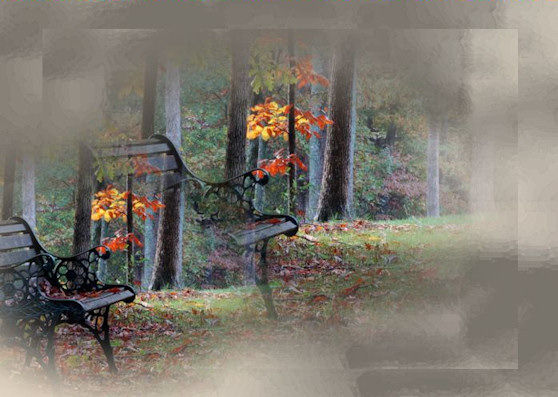
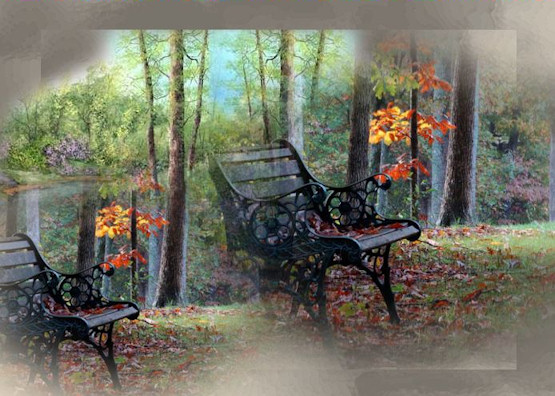
17. Imagen/ Espejo. Picture / Mirror. Capas/ Organizar/ Bajar. Layers / organize / download. Colocar. Placing. Duplicar. Duplicate. Espejo. Mirror. Colocar. Placing. |
|
18. Capas/ Fusionar visibles. Layers / Merge visible. |
19. Abrir Tube chrismist_Misc_fcb16. Open Tube chrismist_Misc_fcb16. Copiar/ Pegar como nueva capa. Copy / Paste as a new layer. Colocar. Placing. |
|
20. Abrir Tube rjb-gatheringwildflowers. Open-Tube RJB gatheringwildflowers. |
21. Copiar/ Pegar como nueva capa. Copy / Paste as a new layer. Colocar. Placing. Duplicar. Duplicate. |
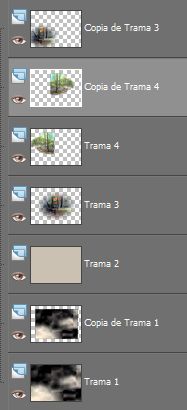
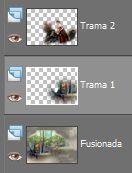
| 22. Herramientas/ Herramienta borrador. Tools / Tool draft. Situados en "trama1" borrar la parte del banco que se visualiza. Located in "trama1" delete that part of the bank they see. |
|
| 23. Capas/ Fusionar/ Fusionar visibles. Layers / Merge / Merge visible. |
|
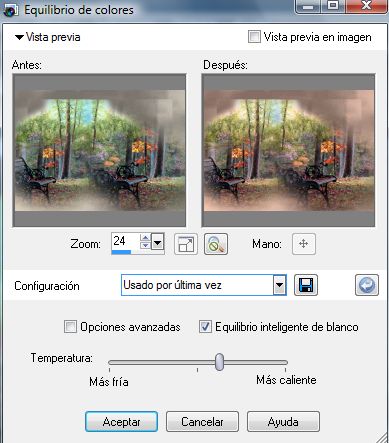
24. Mejorar foto/ Equilibrio de color Improve photo / Balance color |
|
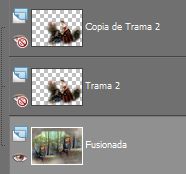
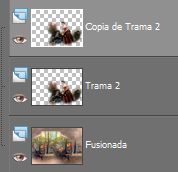
25. Abrir todas las capas. Open all layers. |
|
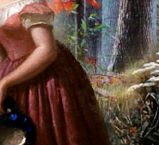
| 26. Herramientas/ Herramienta Pincel Clonar/ Retocar zona de la falda. Tools / Tool Clone Brush / Restoring area of the skirt. |
|
| 27. Capas/ Fusionar, estas dos capas. Layers / Merging these two layers. Ajustar/ Nitidez/ Enfocar. Adjust / Sharp / Focus. |
| 28. Abrir Tube umberlace. Open Tube umberlace. Copiar/ Pegar como nueva capa. Copy / Paste as a new layer. Limpiar. Clean. |
| 29. Imagen/ Cambiar de tamaño 40%. Picture / Change size 40%. Imagen/ Cambiar de tamaño 80% Picture / Change size 80% |
| 30. Imagen/ Espejo. Picture / Mirror. Colocar. Placing. Duplicar. Duplicate. Ajustar/ Nitidez/ Enfocar. Adjust / Sharp / Focus. |
| 31. Capas/ Fusionar todo. Layers / Merge everything. |
| 32. Herramientas/ Herramienta Pincel Clonar. Tools / Tool Clone Brush. Retocar lo que fuera preciso. Restoring what was needed. |
33. Imagen/ Agregar bordes, 40 pixeles, color #cac1b3 Picture / Add edges, 40 pixels, color # cac1b3 |
34. Selecciones/ Seleccionar todo. Selections / Select All. |
35. Selecciones/ Modificar/ Contraer 20 pixeles/ Invertir. Selections / Modify / Collapse 20 pixels / Investing. |
36. Capas/ Nueva capa de trama. Con el bote de pintura llenaremos la selección del color #cac1b3 Layers / New layer of fabric. With the pot of paint fills the selection of color # cac1b3 |
37. Mejorar foto/ Equilibrio de color, mismos valores usados anteriormente. Improve photo / Balance color, same values used previously. |
| 38. Selecciones/ Seleccionar todo. Selections / Select All. |
39. Selecciones/ Modificar/ Contraer 18 pixeles/ Invertir. Selections / Modify / Collapse 18 pixels / Investing. |
| 40. Suprimir "Supr". Delete "Delete". |
41. Selecciones/ Anular selección. Selections / Cancel selection. |
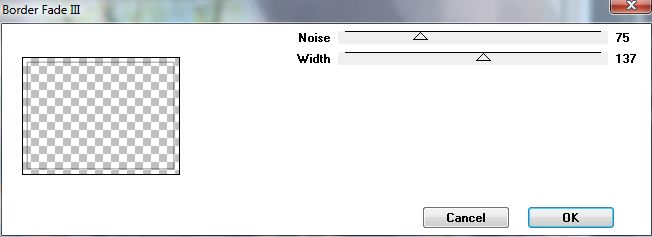
| 42. Efectos/ Plugins/ Alf's Border FX/ Border Fade III Effects / Plugins / Alf's Border FX / Border Fade III |
|
43. Capas/ Nueva capa de trama. Layers / New layer of fabric. Añadir su firma. Add your signature. |
| 44. Capas/ Fusionar todo. Layers / Merge everything. |
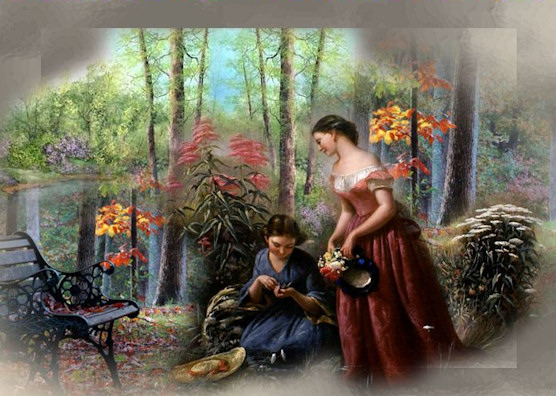
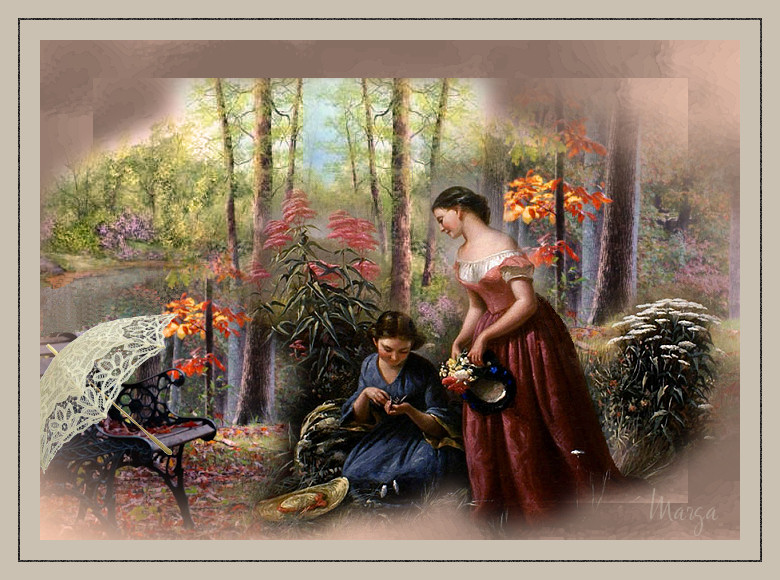
| 45. Aquí termina su trabajo. Here finishes his work. Lo guardamos en formato JPG. What we keep in JPG format.
|
Stillness |
Marga, 18 Junio 08 Marga, 18 June 08 |
 |
 |